New iPadOS? New Firmware!
Just discovered something that can easily catch you out.
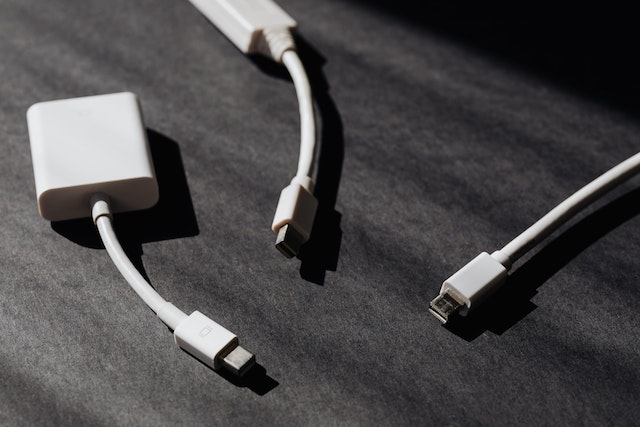
I often use my iPad to run presentations–particularly when teaching RI in schools. It’s a perfect device to carry into a classroom and play videos, presentations, or display bible passages from a Bible app. Getting things to display isn’t hard, but it’s expensive. I carry a little bag with both lighting to VGA and to HDMI dongles so I can connect to any type of projector or display in the classroom. (I also carry VGA, HDMI, and a couple of audio cables for good measure!) (These same dongles work with iPhones.)
For the first time since updating to iPadOS 16.1 I plugged the HDMI dongle into an iPad, hoping to put something up on a screen, but instead was faced with a message about needing to install updated firmware for this accessory. Since my iPad doesn’t have a 4G connection, and even with tethering it my phone, I wasn’t able to get the firmware downloaded in time, so I had to make do without AV support.
When I got home (and onto wifi) I promptly plugged in both dongles, waited a few minutes, and the firmware downloaded.
Moral of the story–after a big OS update, plug in those dongles and get the latest firmware!
(Photo by Karolina Grabowska: https://www.pexels.com/photo/set-of-modern-port-adapters-on-black-surface-4219861/) (Yes, I know these dongles aren’t for iPad/iPhone.)